
01
Upload audio or paste a link
- Upload audio from your device
- Or paste an audio link from the web
Setting sail…
Transcribe, translate, and dub audio into multiple languages so podcasts, courses, and interviews can reach global listeners.






Convert spoken audio into a translated script and natural target-language voice track without rebuilding the project by hand.
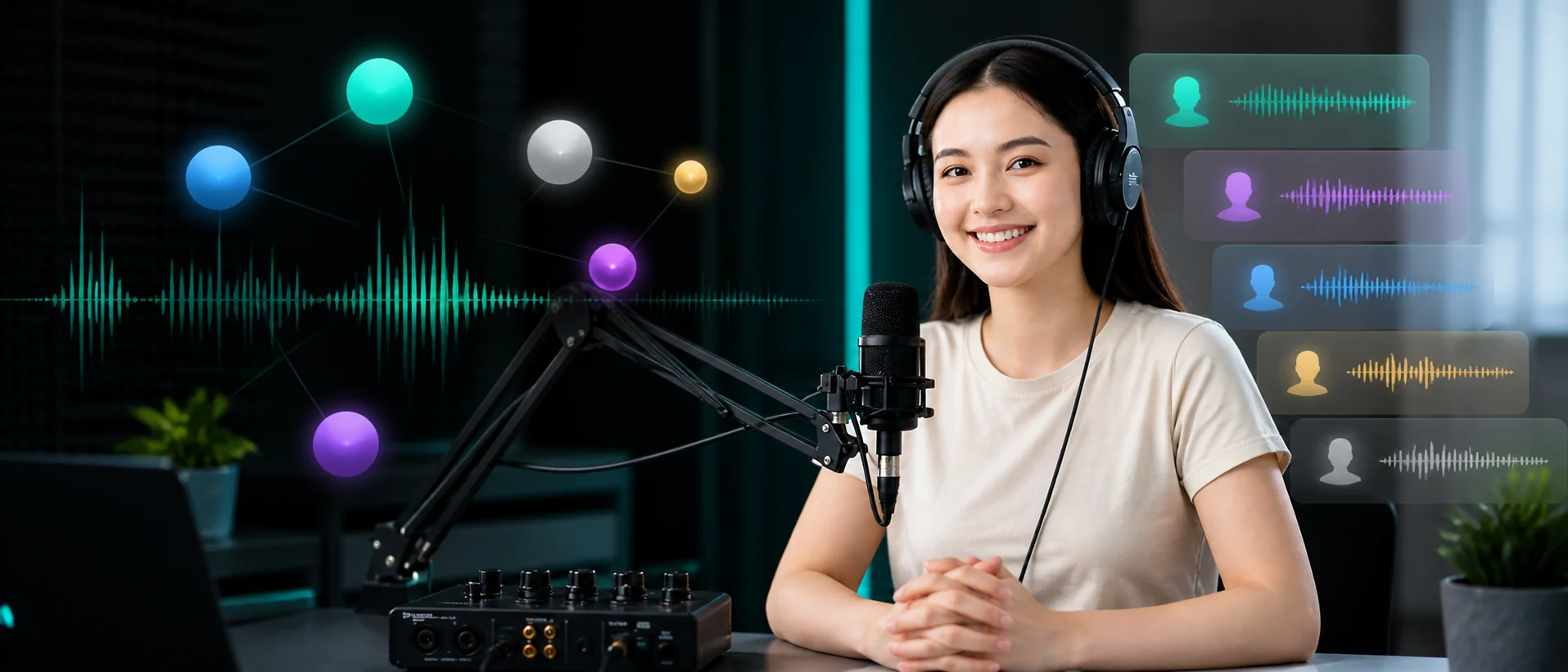
Use VoxSail AI in three steps to bring your audio to global listeners
Translate podcasts, interviews, product narration, and training audio with one consistent workflow.
Create translated audio editions while preserving the structure and intent of the original conversation.
Adapt campaign narration and product explainers for customers in new markets.
Produce multilingual lessons and internal audio with consistent terminology.
Transcribe, translate, review, dub, and export from one workspace.
Turn speech into a timestamped source script ready for review.
Generate fluent target-language speech with adjustable voice settings.
Create audio versions for audiences across global markets.
Keep names and preferred translations consistent throughout a project.
Export localized speech together with subtitle and text deliverables.
Your media is used only to complete the recognition, translation, dubbing, export, and troubleshooting actions you start. Project access requires account permission, download links are managed with validity periods, and we do not publicly display your original files.
Voices, faces, and spoken content may involve sensitive rights. Upload only material you own or are authorized to use. VoxSail processes this data for the requested task and keeps results within your account, project, and permission scope.
Yes, for content you have the legal right to process. Before publishing, confirm that the source video, voices, subtitles, music, brand assets, and final translation are properly authorized and reviewed.
Processing time depends on video length, target-language count, original-voice cloning, queue load, and export settings. After submission, check progress in the workspace, then review and export from the editor.
You can adjust subtitles, glossary terms, and dubbing segments in the editor, then export again. For failed tasks, expired files, or download errors, contact support with the project name and page message.
Scale video creation with VoxSail, reduce production cost, and reach audiences across borders.