YouTube Auto-Dub Still Doesn't Sync Lips: What Creators Need
YouTube's auto-dub translates the audio, not your mouth movements. Here's what the lip-sync pilot covers, what it doesn't, and how to fix it now.
The short answer
YouTube's automatic dubbing translates the audio but leaves your mouth moving in the original language — a lip-sync version has been in limited testing since 2025 and still has no public rollout date as of mid-2026. If your content relies on being on camera, you can close that gap yourself instead of waiting for YouTube.
Does YouTube's auto-dub actually sync your lips?
Not for most creators. YouTube's audio-only auto-dubbing is fully rolled out — over 27 languages, available to any eligible creator through YouTube Studio. The lip-sync layer on top of it is a separate, much smaller pilot: roughly five languages, a limited set of creators, capped at 1080p, with no confirmed public launch date as of the most recent reporting in mid-2026.
That gap matters because the two features solve different problems. Audio-only dubbing gets your words translated. Lip-sync is what makes the video look like the person on screen is actually speaking the language, instead of a voiceover laid over old footage.
Why mismatched lips undermine a video even when the translation is good
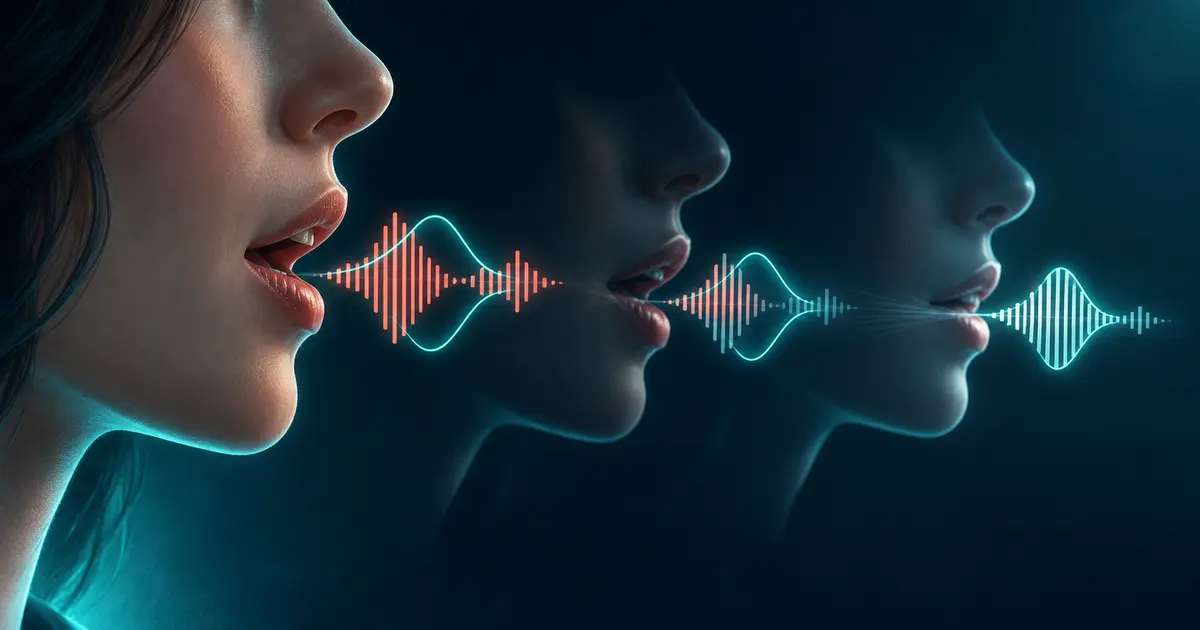
Even when the translation is accurate, mismatched lip movements are hard to ignore: the words sound right, but the speaker's mouth is clearly forming something else. It's the same effect as a badly dubbed movie, and it reads as fake before anyone processes what's actually being said.
This hits face-to-camera content hardest: talking-head explainers, vlogs, product demos, anything where a real person is on screen for most of the runtime. It matters less for content where the speaker is mostly off-screen — voiceover over footage, screen recordings, hands-only demos — since there usually isn't a visible speaking mouth to fall out of sync.
What YouTube's auto-dub still gets right
It's free, built into Studio with no extra tool required, and already supports a broad range of languages. For a channel that just wants basic reach in more languages and isn't relying on face-to-camera trust, audio-only auto-dubbing is a reasonable starting point — creators can also opt out per video through Studio's Language & Audio settings if they'd rather not use it at all.
The limitations are no lip-sync, a platform-generated voice that may not match the creator's own delivery, and no way to edit a bad translation without unpublishing the dubbed track.
Use YouTube auto-dub now, or bring in a dedicated tool
| YouTube auto-dub | Dedicated lip-sync tool | |
|---|---|---|
| Lip-sync availability | Limited to ~5 languages, select creators, no public date | Available now, not tied to YouTube's rollout schedule |
| Voice | Generic YouTube-generated voice | Can use a cloned voice that matches the original speaker |
| Control | Little — accept or unpublish the auto-dub | More control over translation, pacing, and voice, depending on the tool |
| Effort/cost | Free, built into Studio | Extra workflow step, and most tools charge for it |
| Best for | Channels not relying on face-to-camera trust, fine with basic reach for now | Talking-head content where mismatched lips or a generic voice would hurt credibility today |
If your content doesn't lean on being on camera, auto-dub is a low-effort way to test whether a language expands your audience. For face-to-camera videos, your choices are to publish an audio-only dub as-is, wait for YouTube's pilot, or use a separate lip-sync tool now.
The actual workflow, step by step
- Decide whether your content is face-to-camera enough that mismatched lips would actually hurt it — voiceover and screen-recording content can usually skip this concern entirely.
- If it does matter, translate and dub the video with a tool that includes lip-sync rather than relying on YouTube's still-experimental pilot.
- Use a cloned voice if your channel's personality is part of why people watch, rather than a generic voice.
- Upload the lip-synced export as its own localized video — a lip-synced version needs to replace the picture, not just add an audio track, so YouTube's multi-language audio feature (which only attaches sound) isn't the right fit here.
If you need lip-sync now, VoxSail can translate and dub the video, then apply lip-sync, with a cloned voice as an option instead of a generic one.
Frequently asked questions
Is YouTube's lip-sync feature available to everyone now?
No. As of mid-2026 it remains a limited pilot — around five languages, a select set of creators, capped at 1080p — with no confirmed public rollout date.
Does YouTube's regular auto-dubbing include lip-sync?
No. Standard auto-dubbing translates the audio only; the speaker's mouth keeps moving in the original language unless the separate lip-sync pilot applies to that video.
Why is a lip-sync mismatch noticeable even when the translation is accurate?
Viewers process the visual mismatch before they process the dialogue itself, so it registers as "this looks fake" almost immediately, similar to watching a badly dubbed movie.
Should I turn off YouTube's auto-dubbing if I don't like it?
You can opt out per video through Studio's Language & Audio settings. Whether to do so depends on whether basic audio-only reach is still worth it for your channel.
Does lip-sync matter for all types of videos?
Mainly for face-to-camera content — talking-head videos, vlogs, product demos. Voiceover, screen recordings, and hands-only content don't have a visible mouth for the mismatch to show up on.
Can I use a cloned voice with lip-sync instead of a generic one?
Yes, with a dedicated dubbing tool. YouTube's own auto-dub voice is generated by the platform and isn't a clone of your own voice.