How to Make Bilingual Subtitles: SRT vs. ASS (and When to Burn In)
Choosing between SRT, ASS, and burned-in subtitles for bilingual video: what each format does, where it works, and when to use it.
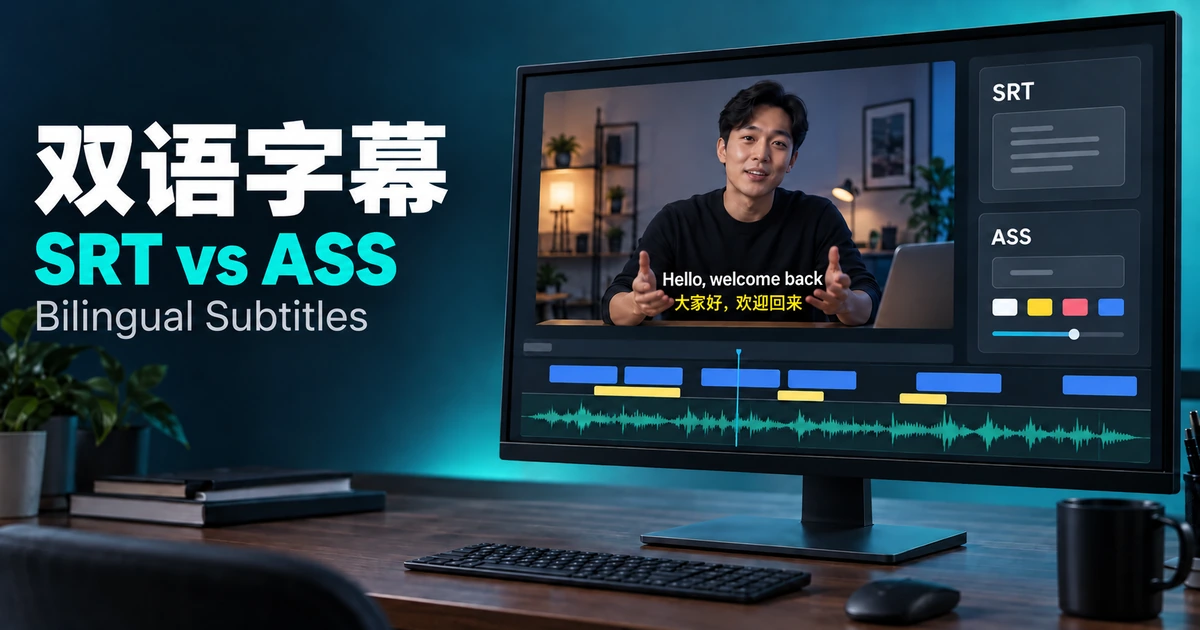
The short answer
Use SRT for broad compatibility, ASS when you want the two languages to look different on screen, and burned-in subtitles when a platform has no way to attach your own subtitle file. The right choice depends on where the video will be watched, not on which format sounds more advanced.
Do you need a bilingual file at all?
You can offer the languages as separate subtitle tracks, one file per language, or show both languages together on screen. With separate tracks, each viewer picks one language from the player's subtitle menu. With a bilingual file, nobody has to choose.
A bilingual file makes sense for language-learning content, for audiences who read both languages, and for one video that serves two audiences at once. If your platform has a subtitle-language menu and viewers only need one language, separate tracks are simpler. If you do show both together, keep each language concise, because two lines take longer to read than one.
SRT or ASS: which format should you export?
| SRT | ASS | |
|---|---|---|
| Compatibility | Accepted by most platforms that take subtitle files, including YouTube | Works well in desktop players and editing tools; many upload platforms don't take it, and YouTube's supported-file list doesn't include it |
| Styling | Plain text with little to no control over font, color, or position | Fonts, sizes, colors, outlines, and screen position, defined per style |
| Bilingual look | Both languages stacked in the same cue, with the same appearance | Each language can get its own size and style |
| Best for | Uploading to a platform, sharing the file, anything that has to open reliably | Local playback, editing, or burning in with a look you control |
When in doubt, export SRT first. It's the format least likely to be rejected, and you can add styling later in a compatible editor.
When to burn the subtitles into the video
TikTok and Instagram Reels don't offer a standard way to attach your own subtitle file when you upload. They have in-app auto-captions, but those aren't a bilingual layout you control. If you want both languages on screen there, burning the subtitles into the video is the reliable route. It also helps when you can't count on viewers turning captions on, since a separate track only appears if the player shows it.
The trade-off is permanence. Burned-in subtitles can't be switched off by viewers, can't be swapped for another language later, and fixing a typo means re-exporting the video. Soft subtitles stay separate from the video image: viewers can usually toggle them, and whether you can replace them later depends on the platform or player. If a platform accepts subtitle files, a soft track is usually the safer default.
Keep two languages readable
Keep each language to one line where possible. If you use ASS or burn the subtitles in, make the language your audience relies on more prominent than the other. With plain SRT both lines look the same, so shortening lines matters even more. Check the result at phone size before you export, since that's where overcrowded subtitles fail first.
The actual workflow, step by step
- Start with an accurate original-language subtitle track. Fix transcription errors before translating, because a mistake in the source gets copied into the translation.
- Translate the subtitles. Use the original timings as a starting point, then check that each line leaves enough reading time.
- Review both languages side by side in an editor and shorten any lines that run long.
- Choose bilingual output, confirm which language appears first, and export in the format that fits where the video will live: SRT for platform uploads, ASS for styled local playback, or burned-in subtitles for platforms without a subtitle-file option.
- Upload the file or the finished video, then preview it on the destination platform to check how the subtitles display.
With VoxSail, you can transcribe speech, translate the subtitles, and review both languages side by side in the editor. Export the original, the translation, or both as SRT or ASS. When you create a video translation project, you can also burn subtitles into the video and choose whether they show the translation, the original, or both.
Frequently asked questions
What's the difference between a bilingual subtitle file and two separate subtitle tracks?
A bilingual file shows both languages on screen at once. Two separate tracks let each viewer choose one language from the player's menu, but only one shows at a time.
Can I upload a bilingual SRT to YouTube?
A bilingual SRT is still an SRT file, so it uploads like any other. It appears as one track with both languages together, so viewers can turn the whole track off but can't hide just one language. Separate per-language tracks give viewers the choice.
Can I upload an ASS file to YouTube?
ASS isn't on YouTube's list of supported subtitle file types. Convert it to SRT before uploading, which drops the styling, or burn the subtitles into the video instead.
Why do bilingual subtitles usually need to be burned in for TikTok and Instagram Reels?
Neither offers a standard option for attaching your own subtitle file when you upload. In-app auto-captions exist, but they aren't a bilingual layout you control, so burning the subtitles into the video is the reliable way to get one.
Should I burn subtitles in or keep them as a separate file?
Keep them separate when the platform accepts subtitle files, since viewers can usually toggle them. Burn them in when the platform has no way to attach your own file, or when you need the bilingual layout to show regardless of the viewer's caption settings.
Can I fix a typo after the subtitles are burned in?
Not in the exported video. Correct the subtitle text in your editor, then export the video again.