

Translation
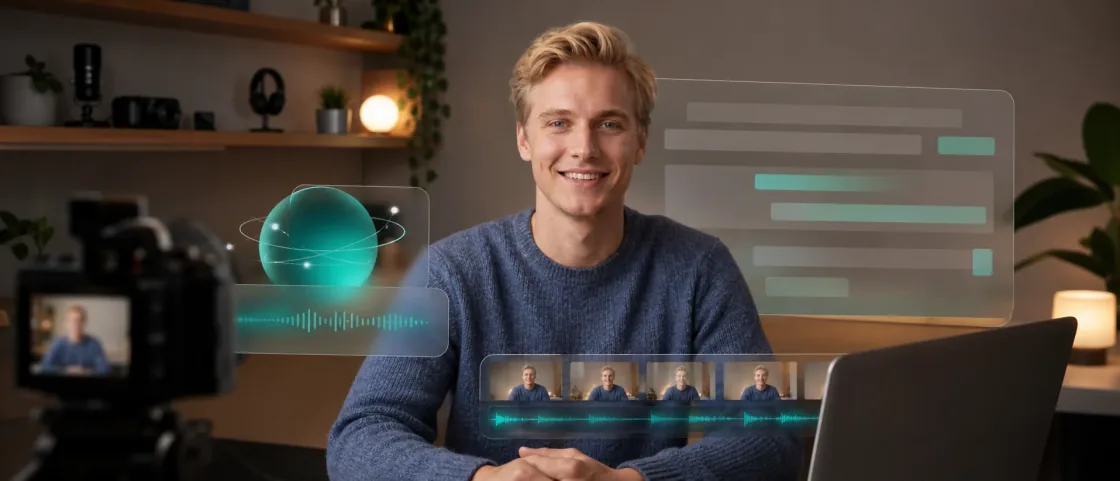
Detect speech in videos, generate accurate subtitles quickly, and align timing so every frame stays in sync.
Explore video translationAI VIDEO LOCALIZATION PLATFORM
An AI video translation platform for creators, brands, and localization teams, bringing translation, dubbing, and subtitles into one workflow.
See how VoxSail translates, dubs, and subtitles your content for audiences around the world.
Designed around real video localization, with source text, translations, voices, subtitles, and exports managed together.
Detect speech in videos, generate accurate subtitles quickly, and align timing so every frame stays in sync.
Explore video translation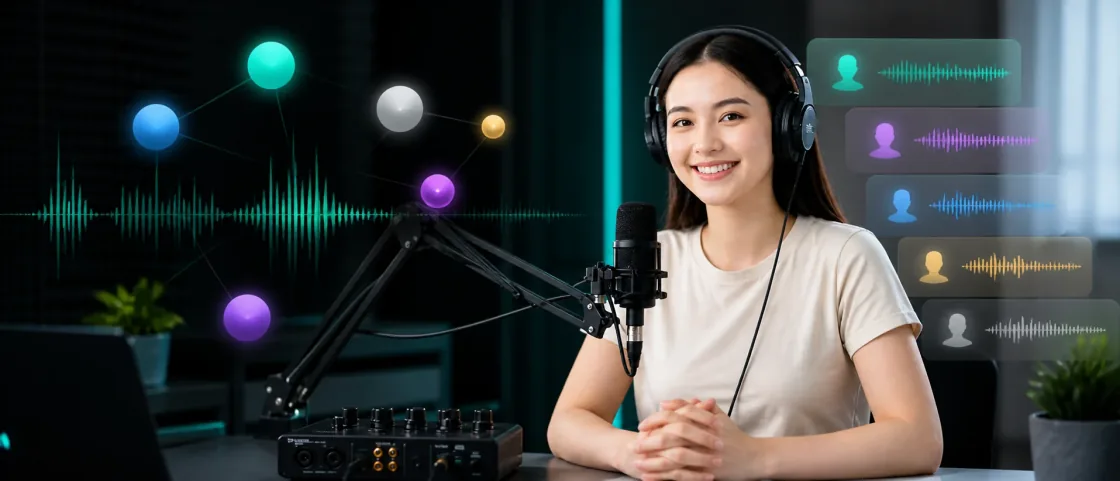
Use voice cloning and multilingual AI dubbing to preserve natural emotion, rhythm, and professional delivery.
Explore AI dubbingMore than automatic translation, VoxSail brings end-to-end video localization into one flow.
Translate video and subtitles for audiences across global markets.
Create target-language speech while preserving tone, pacing, and intent.
Align localized speech with visible timing for a more natural result.
Keep product names and industry terms consistent across every version.
Review bilingual subtitles, voice settings, timing, and exports in one place.
Review, edit, and delivery controls are concentrated in a clear workspace for professional teams.
Move beyond robotic dubbing with voice cloning that matches speech rate and pauses for fluent delivery.
Complete subtitle extraction, timing, translation, review, dubbing, and rendering with AI assistance.
Revise subtitles, adjust dubbing, and calibrate timelines visually for precise control.
Keep proper nouns, brand names, and domain terms consistent across language versions.
SourceGrow your audience across languages.
SpanishAmplia tu audiencia en varios idiomas.
SourceReview subtitles and voice settings.
SpanishRevisa los subtitulos y la voz.
Users across industries are improving multilingual content production with VoxSail.

Localize creator content with translated subtitles and dubbing for every channel.
Video translation for YouTubeTurn product demos, ads, and tutorials into market-ready localized videos.
Product video translation guideCreate multilingual lessons and onboarding videos with consistent terminology.
Keep course terminology consistentMia LinTech creator
Accurate source recognition saves me hours of timing work and makes cross-language publishing much easier.
Daniel ZhaoSenior translation reviewer
The built-in controls help our team move faster without losing terminology consistency.
Ethan ZhengE-commerce operations director
We can produce localized product videos at scale and cut production costs dramatically.
Sofia SunLearning platform founder
Course localization is faster, and the editor works well for team review.
Claire LiGlobal brand communications
From source recognition to localized delivery, the workflow feels professional at every step.
Leo LuGame publishing lead
Adjustable translation style helps us capture each character's personality.
Mason ZhouShort-drama producer
One piece of content can become multiple language versions quickly and reliably.
Iris ChenEducation content lead
Subtitles, dubbing, and terminology can be reviewed on the same page, which makes collaboration faster.
Nina HeBrand marketing manager
Video localization no longer feels like a slow outsourcing process, so campaigns can keep pace globally.
Transcribe speech from audio or video, translate subtitles, and optionally generate dubbing. You can also use transcription or text voiceover separately. Review the results in the editor before exporting your files.
Explore audio and video translationVoxSail supports multiple source and target languages, but speech recognition, text translation, and individual dubbing voices do not all cover the same languages. Check the available options for your tool, target language, and selected voice.
Check supported files and languagesDepending on your project settings, choose original-voice cloning or a preset voice, or create your own cloned voice for dubbing. Only use voice material you own or have permission to use. Recording clarity, noise, and spoken content can affect the result.
Read voice cloning and sample requirementsYes. Edit source and translated subtitles, adjust timing and subtitle styles, and regenerate dubbing for individual segments. Text edits do not automatically retranslate or regenerate audio; run those steps as needed, then export again to get the updated files.
Read the editor guideVoxSail uses subscriptions and credits for account benefits and processing usage. After uploading and configuring a project, you can see estimated credits before submitting. Usage depends on the tool, duration or character count, target languages, dubbing method, and exports. Check the pricing page and submission details for current prices and benefits.
Compare pricing and plan benefitsScale video creation with VoxSail, reduce production costs, and reach audiences across borders.